Zoom integration guide | Second Nature [Beta]
Last updated: April 22, 2026
Overview
Second Nature AI's Zoom integration is a transformative tool that leverages real sales call recordings from Zoom meetings to provide personalized, data-driven performance reviews and AI-driven sales training simulations. This integration bridges the gap between theoretical training and real-world performance by analyzing actual sales interactions and delivering actionable feedback to improve outcomes.
Integration benefits
The benefits of this integration focus on enabling trainees and managers to receive :
Sales Call Analysis: Using real Zoom call recordings, our app analyzes sales reps' performance across key metrics, such as rapport-building, objection handling, and closing techniques.
Scoring and Feedback: Sales reps receive a comprehensive performance score along with detailed feedback on their strengths and areas for improvement.
AI-Driven Practice: After reviewing their performance, reps can practice again in a simulated environment that mimics real-world scenarios, allowing them to refine their approach.
Actionable Insights: Sales managers gain access to insights that help identify coaching opportunities, track team performance trends, and optimize sales strategies.
Integration Walkthrough
In Zoom
Note : Only users with Zoom administrator permissions can configure the integration.
Navigate to the Zoom App Marketplace and install the Second Nature app.
Click "Allow" to add the application to your account
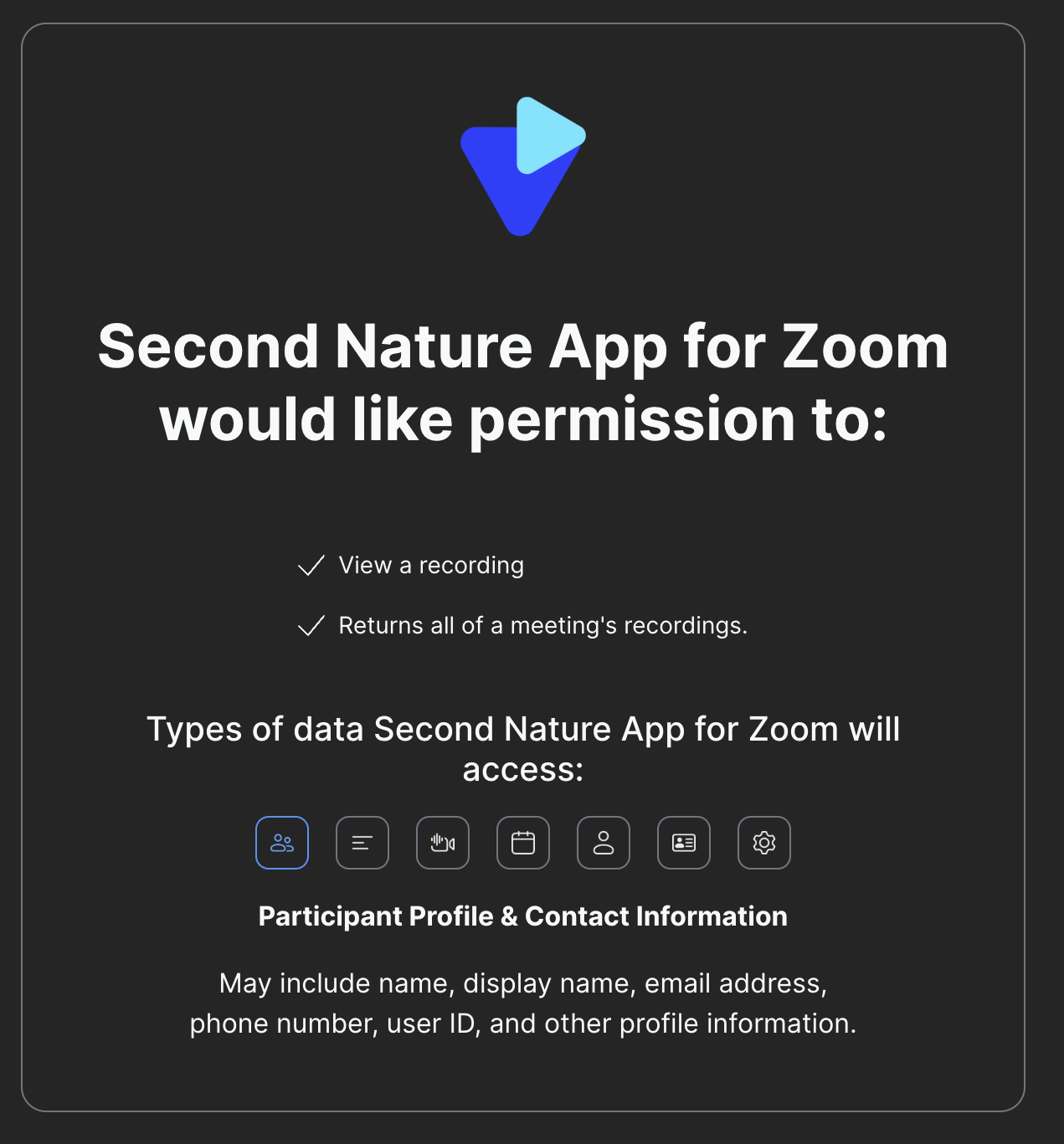
You will be redirected to Second Nature
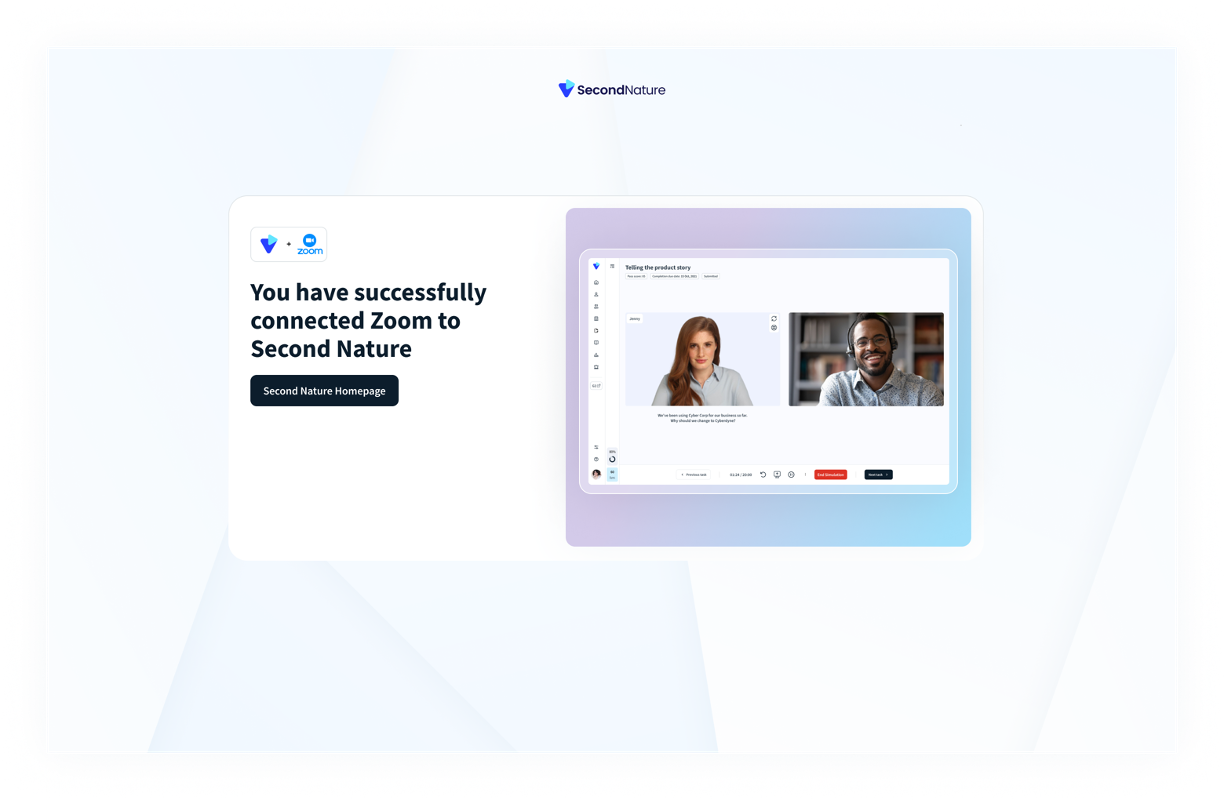
If you are already connected to your Second Nature account, the following message appears.
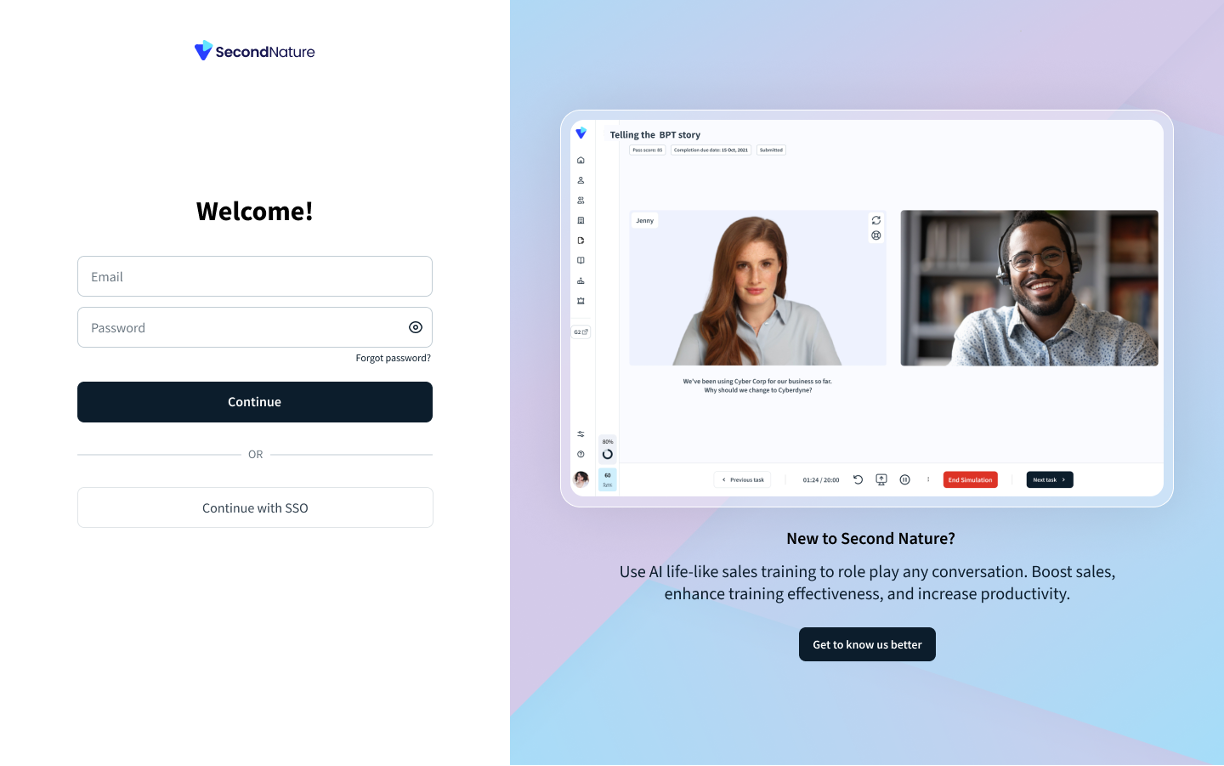
b. If you are not connected to your Second Nature account, you will need to login your Second Nature credentials
4. Once the authentication process is complete, click on "Second Nature Homepage" to begin configuration on the Second Nature platform
In Second Nature
To fully utilize the benefits of the Zoom & Second Nature integration you will need to create a "real call" simulation task type in Second Nature.
See this guide - Creating a Real Call Analysis (RCA) task type to better understand how to built a "real call" simulation in Second Nature. Course creators can choose if to use this task type to only score the trainees or to enable them also to re-practice the actual call. This real call analysis guide will help to create the scorecard on which the real call will be scored.
Once a course with a real call analysis simulation is ready, trainees will be able to upload actual meetings URLs to Second Nature, test their actual call performance and train accordingly.
How does it work?
Click on the relevant real call analysis course in your Second Nature homepage [below are examples of courses with a real call analysis simulation]
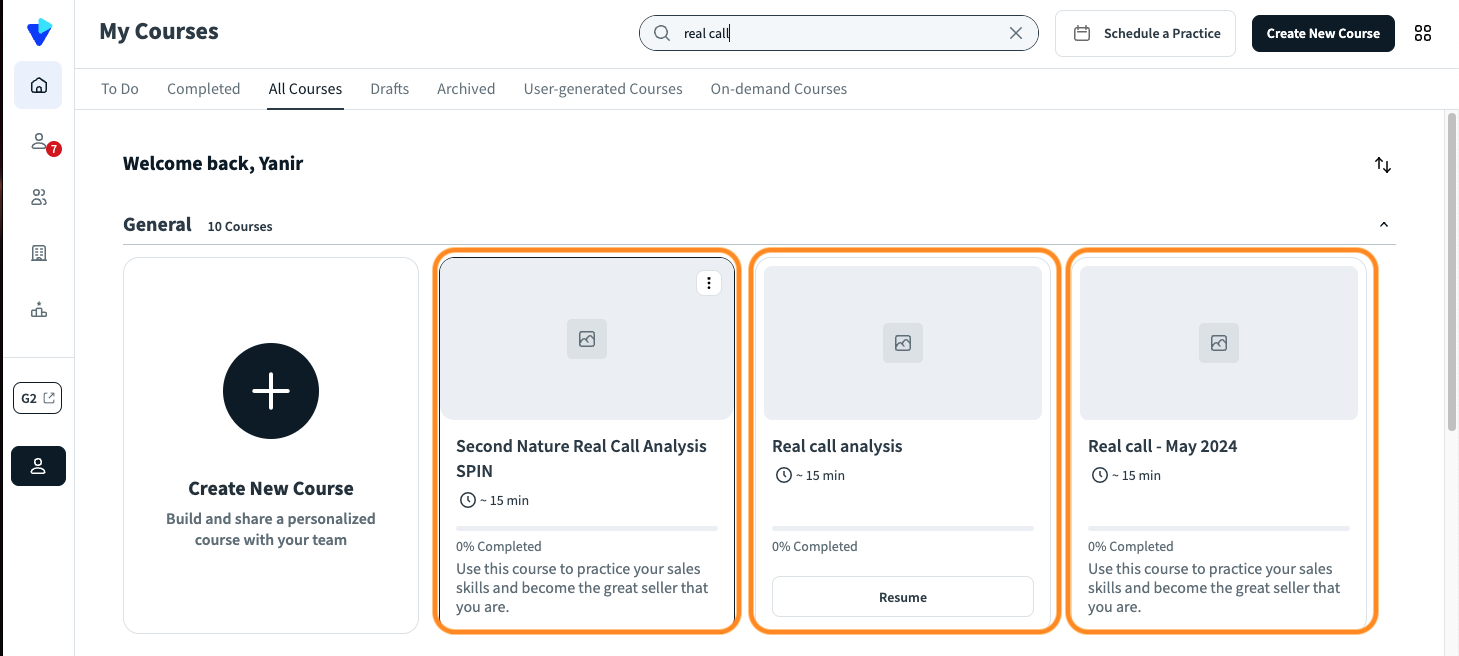
2. In the real call analysis task, you will see 2 options :
a. "Upload an audio file" - To enable the manual upload of a real call file
b. "Use Zoom call shareable link" - To enable copy and pasting your meeting URL from your Zoom account.
Note : If the Second Nature and Zoom integration is not configured, the 2nd option [""Use Zoom call shareable link"] will be greyed out
Select option #2
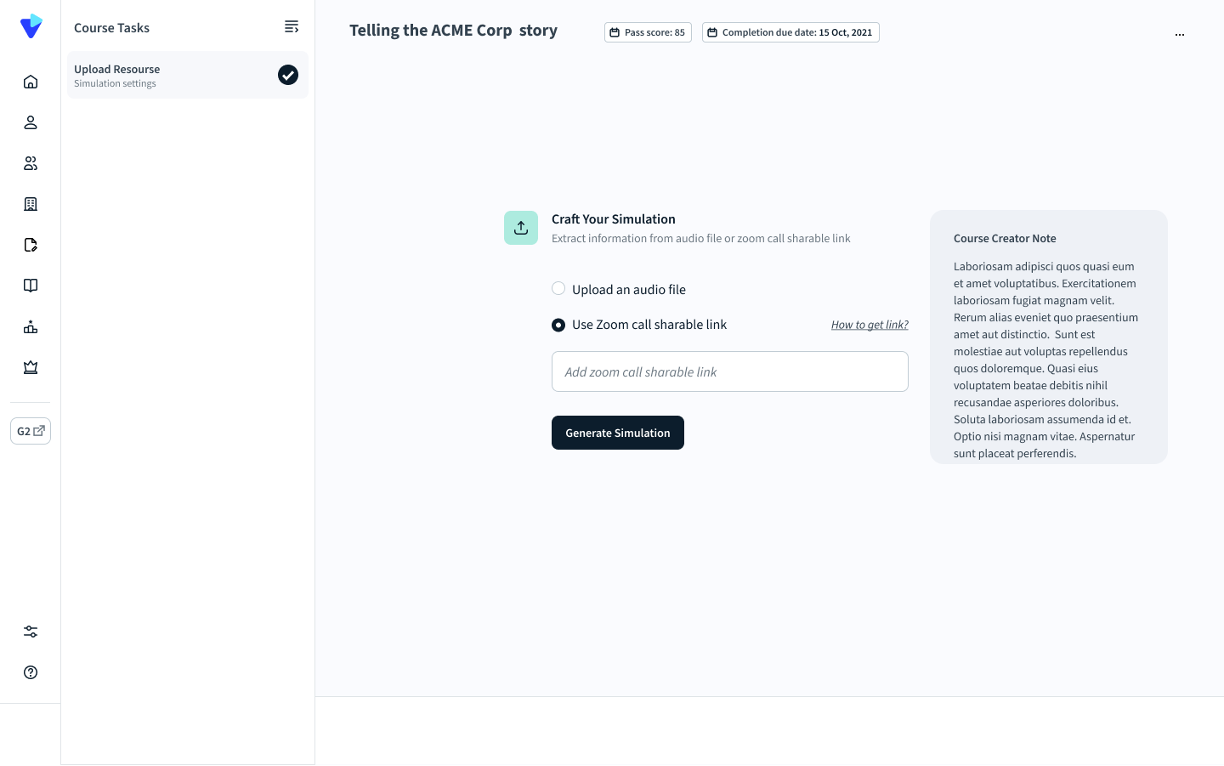
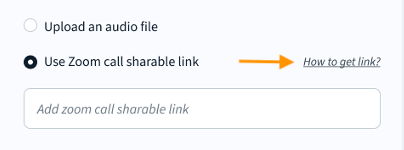
3. If you are not familiar with how to get a meeting URL link to copy, click "How to get a link?" on the right side.
4. Copy the meeting URL link to the text box and click "Generate Simulation"
5. The system will start generating the analysis based on the given meeting URL
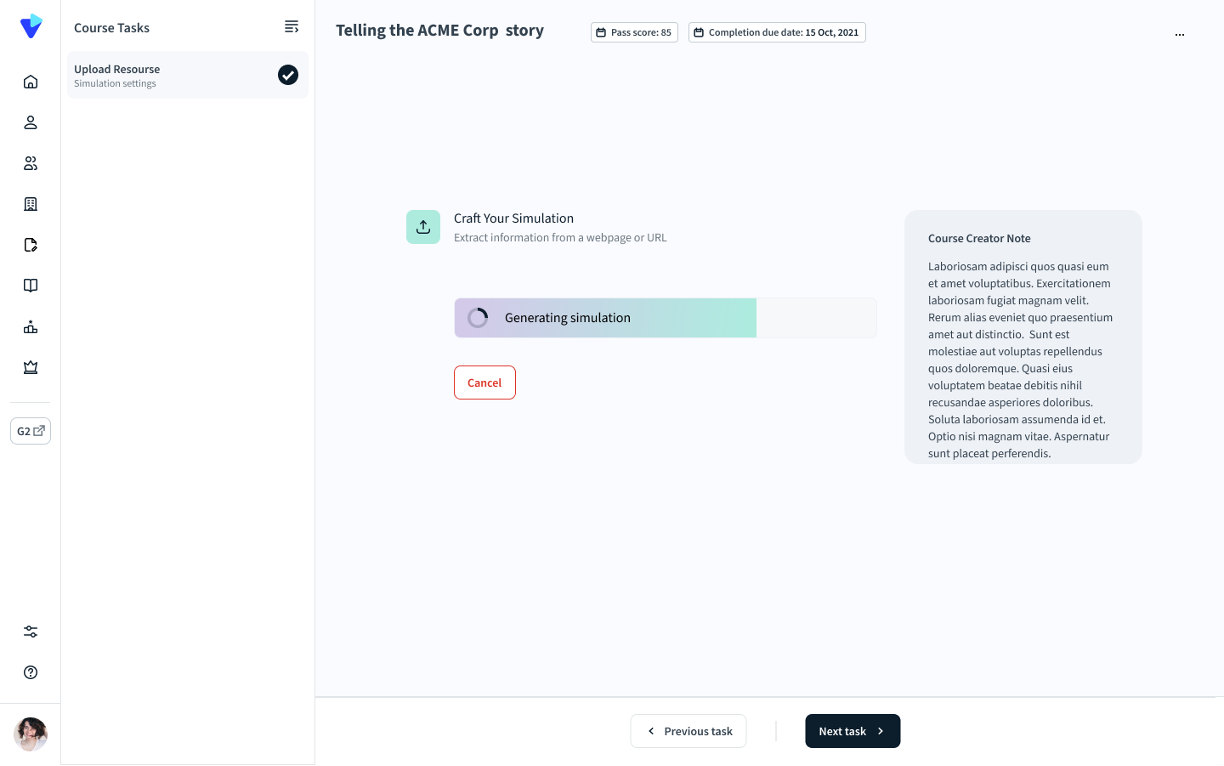
6. Once the simulation generation is complete, the trainees will see their analysis of their real call based on the scorecard that was pre-defined during the course creation.
7. If a simulation [and not only analysis] was also configured to the real call analysis task, trainees will be able to re-practice their actual call and get a higher score using the analysis feedback they received.