Creating a Webcam Practice
Last updated: April 22, 2026
Overview
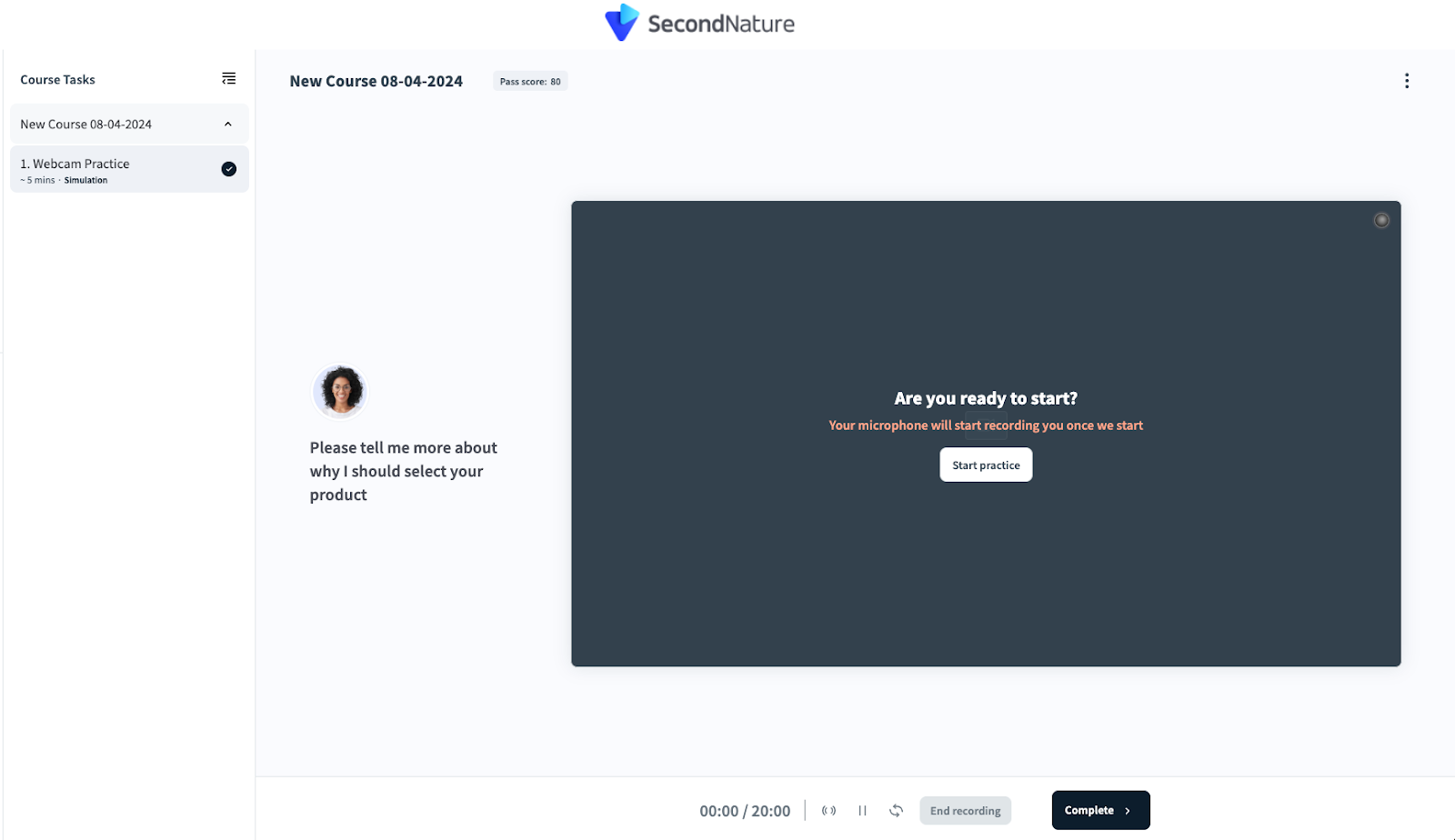
Webcam Practice is a one-sided simulation used to practice on-camera communication skills. Unlike other simulation types, only the trainee speaks during these simulations. This simulation is relevant for various scenarios, such as job interviews, sales pitches, customer service interactions, or presentations. The focus is on trainees improving their confidence, clarity, and professionalism when speaking on camera.
NOTE:
This article only discusses unique aspects of the Webcam Practice simulation. Please see “Customizing Simulation Tasks” for additional information on how to customize simulations, including how to set topics if you selected English as the simulation language.
Language Selection
At the start of the simulation setup, Webcam Practice has a unique setting to pick a language. Use the Choose language dropdown menu to select the one language which your trainee will speak. Press Done when you are complete.
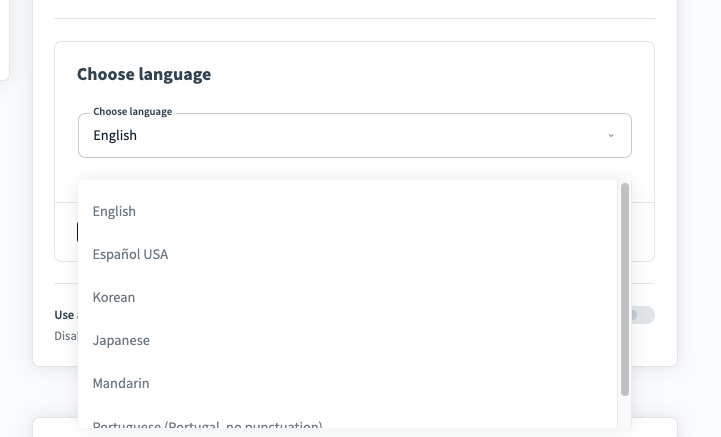
The available languages are: English, Español (USA), Korean, Japanese, Mandarin and Portuguese (Portugal).
NOTE:
The selected language affects trainee analysis:
English: The creator should additionally enter Topics to cover during the webcam practice creation, which will enable AI scoring. See step 6 of “Customizing Simulation Tasks” for more information.
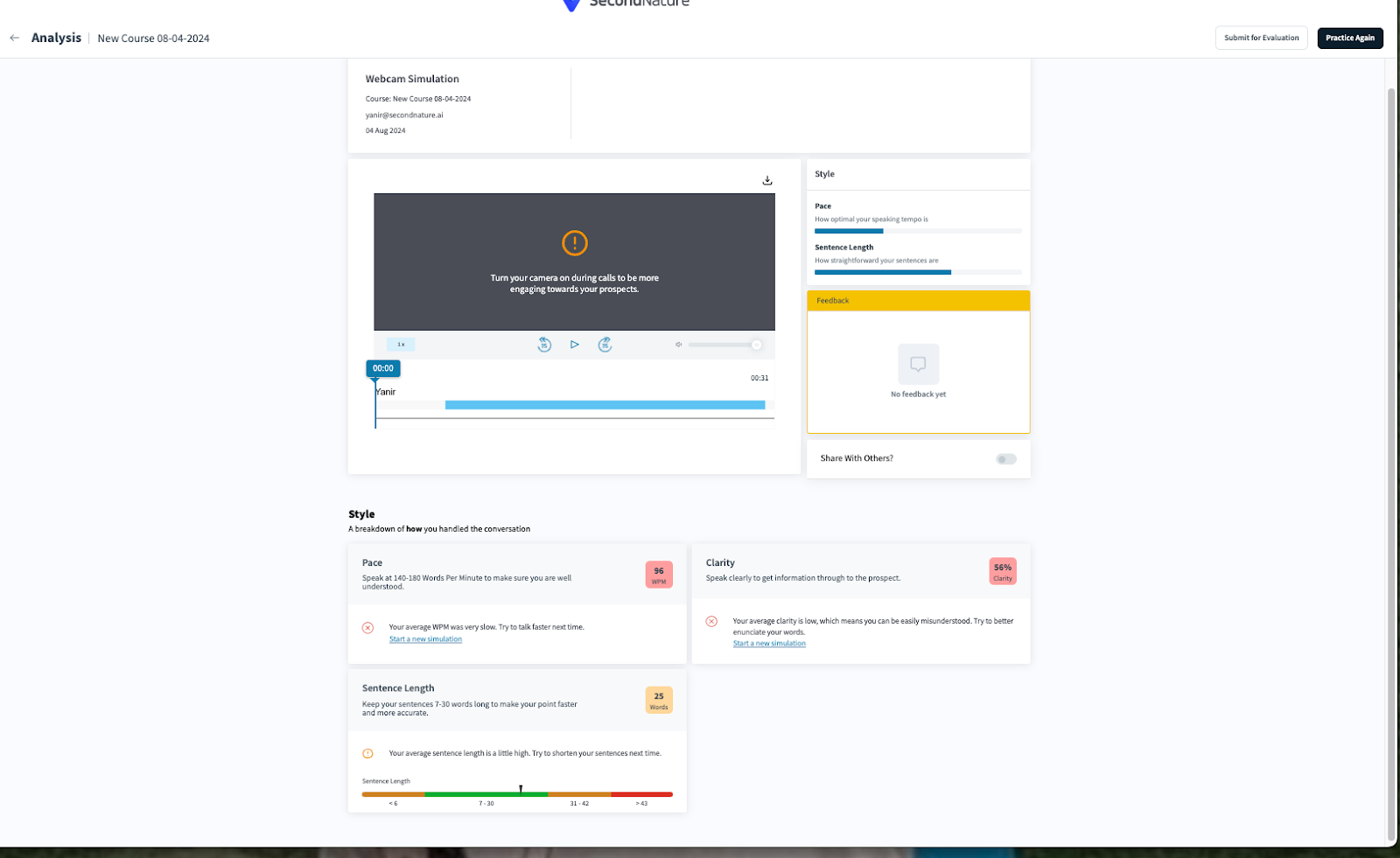
Any other language: This will disable the “Topics to cover” section in the editor. Trainees may still be assessed on a Style basis.
The screenshot below depicts the analysis page without the “Knowledge” section, as a non-English language was chosen.
Prospect Prompting Question
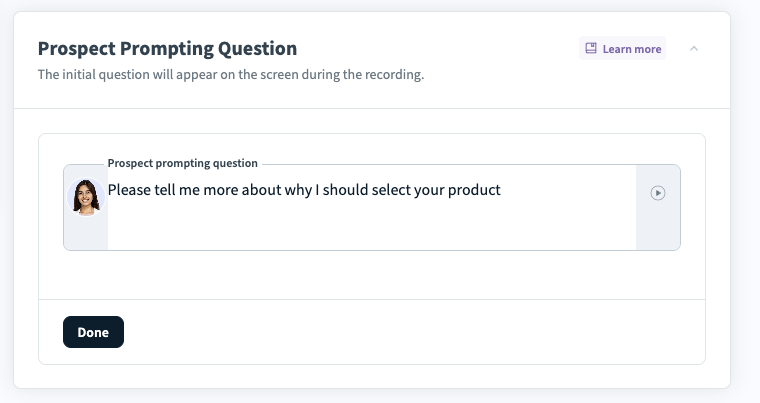
Within the Prospect Prompting Question section, enter text that an AI Persona will say prior to the simulation starting. This question will appear on the screen during the recording.
Use a Presentation Deck
Webcam Practice also has a unique setting titled Use a presentation deck. By default, this setting is disabled. Enable this setting if you would like to have trainees use a PDF or PPTX (PowerPoint) presentation.