How can I review and evaluate a session?
Last updated: April 22, 2026
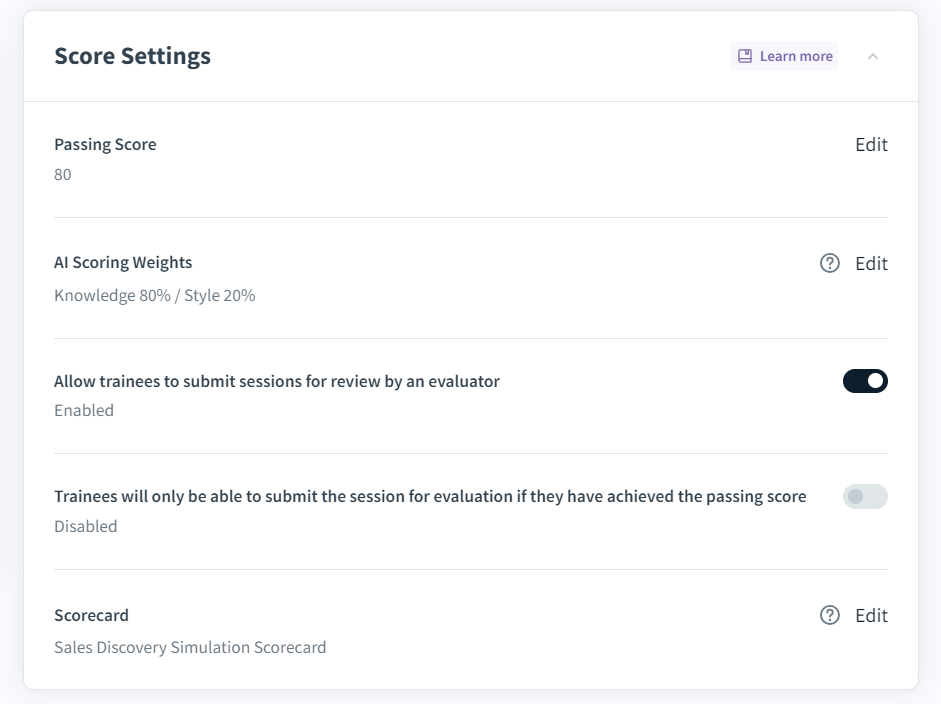
When setting up a role play, there is an option to make the role plays/sessions eligible for manual evaluation. By default, this setting is disabled. In the Score Settings section, toggle the setting Allow trainees to submit sessions for review by an evaluator on. After creating the course, users should be assigned as course evaluators.
Assuming that the course is setup for manual evaluation and course evaluators were assigned, upon a trainee submitting a course for evaluation each course evaluator(s) will receive an email notification. If the course is set up for manual evaluation and no course evaluators are assigned, the admin and the trainer will receive an email notification.
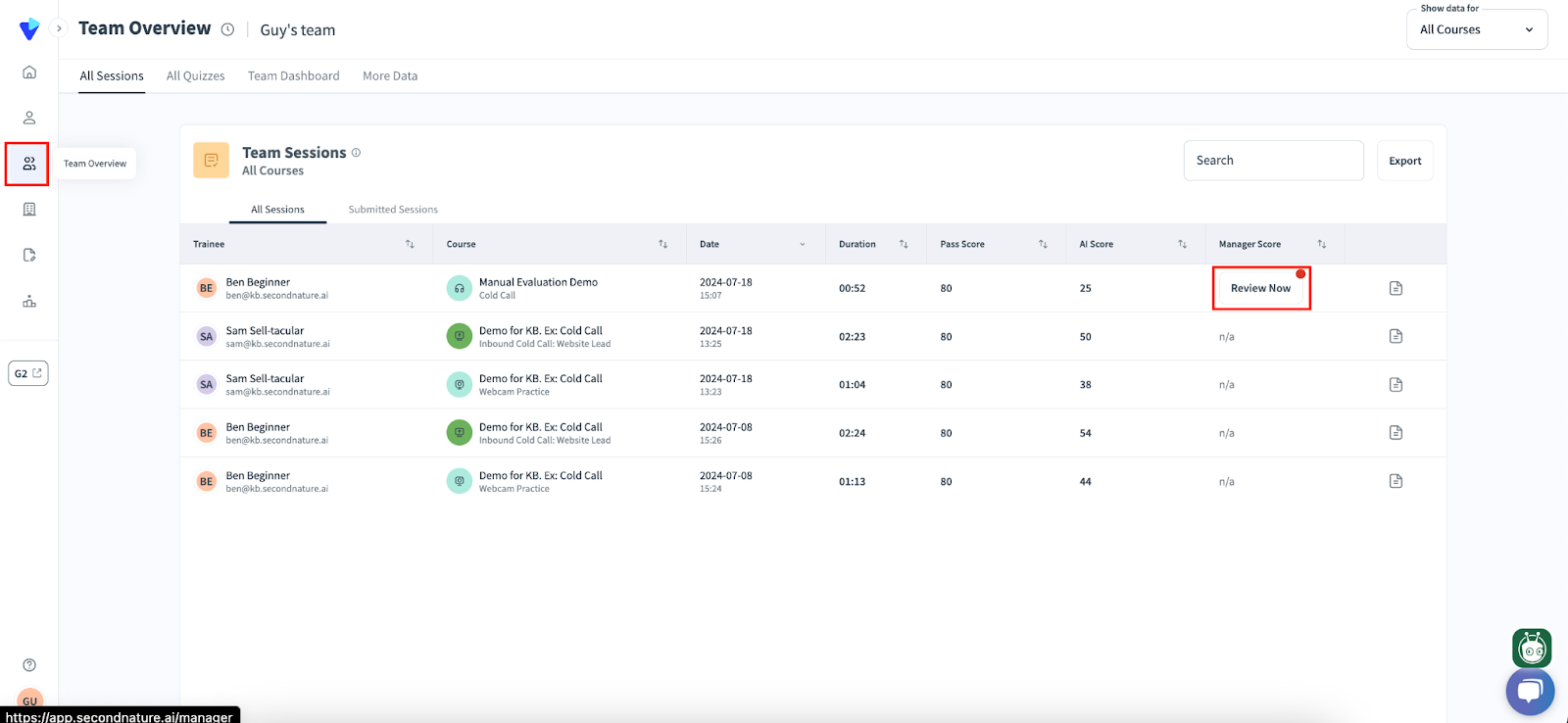
Within the email, there is a link to evaluate the course. Alternatively, the relevant course evaluator or admin can go to the Team Sessions, then find the record of the completed session. Click the Review now button to begin an evaluation.
See “Evaluating a course” to learn more about course analysis, including how to use the Analysis page.