How can I monitor my course progress?
Last updated: April 22, 2026
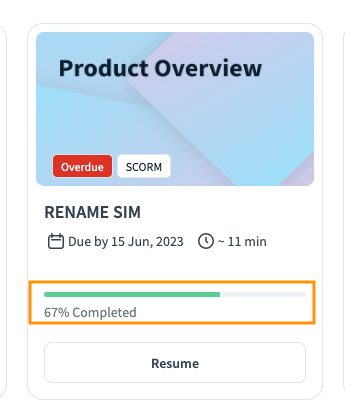
Trainees can track their progress in a specific course using the course layout card on their Second Nature homepage [see orange rectangle in the screenshot below]
To better understand their progress in the task level, trainees can open their courses and see their progress per task in the left nav bar
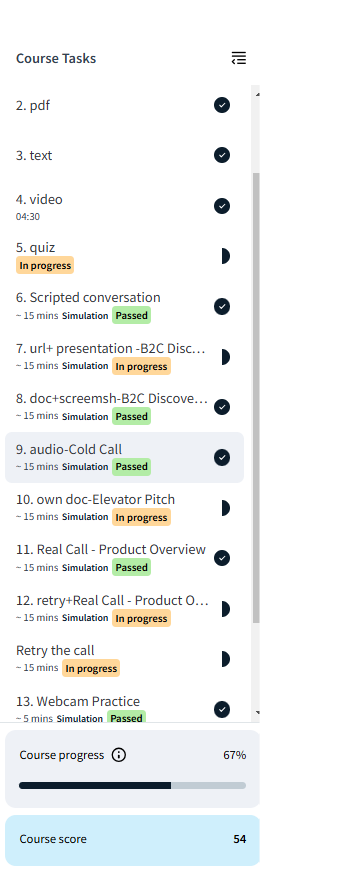
NOTE: Course completion requires all course tasks to be marked as "Passed". Unfinished tasks will keep your course status incomplete.
All Collateral tasks except "Quiz" don't have the "Passed"/"In progress" tags. The progress of those tasks is depicted via the "v" icon on the right side of the nav bar.